Lets see how to get Angular and Asp.net core to play together. In this approach we will not rely on a SPA template but instead add everything our self to see how it works.
What you will need
- Node.js
- .NET Core SDK and Runtime
- Visual Studio Code any IDE will do but vscode is amazing!
- Your terminal of choice. I’ll use vscode but cmder is also good.
- Make sure you have Angular CLI v6+
Create a new project
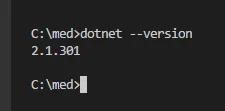
Fire up your terminal and lets check that dotnet cli is working correctly: dotnet --version
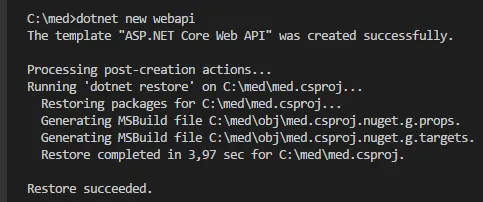
Lets add a new ASP.NET Core Web API project by using the dotnet cli to scaffold it for us: dotnet new webapi
Add Angular
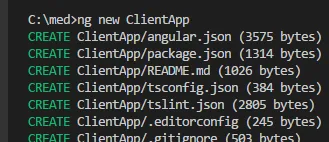
Add Angular to our API project: ng new ClientApp
We want to run our Angular app with .Net core for this we need to add it to the Startup.cs file.
First add the helpers for building single-page applications on ASP.NET Core.
dotnet add package Microsoft.AspNetCore.SpaServices.Extensions

Add below lines in the ConfigureService method:
services.AddSpaStaticFiles(configuration =>{ configuration.RootPath = "ClientApp/dist";});And add below lines in the Configure method:
Add a reference to Microsoft.AspNetCore.SpaServices.AngularCli;
to get access to the UseAngularServer method.
app.UseStaticFiles();app.UseSpaStaticFiles();
app.UseMvc();
app.UseSpa(spa =>{    spa.Options.SourcePath = "ClientApp";
    if (env.IsDevelopment())    {        spa.UseAngularCliServer(npmScript: "start");    }});
Launch
Use the cli to spin it up: dotnet run
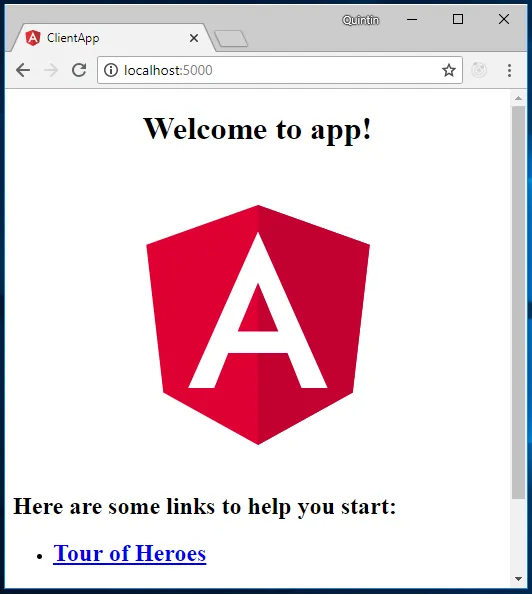
Your Angular application is now running with ASP.net core.
Here is the complete startup class for reference:
using Microsoft.AspNetCore.Builder;using Microsoft.AspNetCore.Hosting;using Microsoft.AspNetCore.Mvc;using Microsoft.AspNetCore.SpaServices.AngularCli;using Microsoft.Extensions.DependencyInjection;
namespace med{    public class Startup    {        // This method gets called by the runtime. Use this method to add services to the container.        public void ConfigureServices(IServiceCollection services)        {            services.AddSpaStaticFiles(configuration =>            {                configuration.RootPath = "ClientApp/dist";            });            services.AddMvc().SetCompatibilityVersion(CompatibilityVersion.Version_2_1);        }
        // This method gets called by the runtime. Use this method to configure the HTTP request pipeline.        public void Configure(IApplicationBuilder app, IHostingEnvironment env)        {            app.UseStaticFiles();            app.UseSpaStaticFiles();
            app.UseMvc();
            app.UseSpa(spa =>            {                spa.Options.SourcePath = "ClientApp";
                if (env.IsDevelopment())                {                    spa.UseAngularCliServer(npmScript: "start");                }            });        }    }}